 RU
RU EN
EN esports
RTS
esports
RTS PLAY IN YOUR BROWSER
 Strategy game
with a map editor
Strategy game
with a map editor
Make your own map — and play on it!
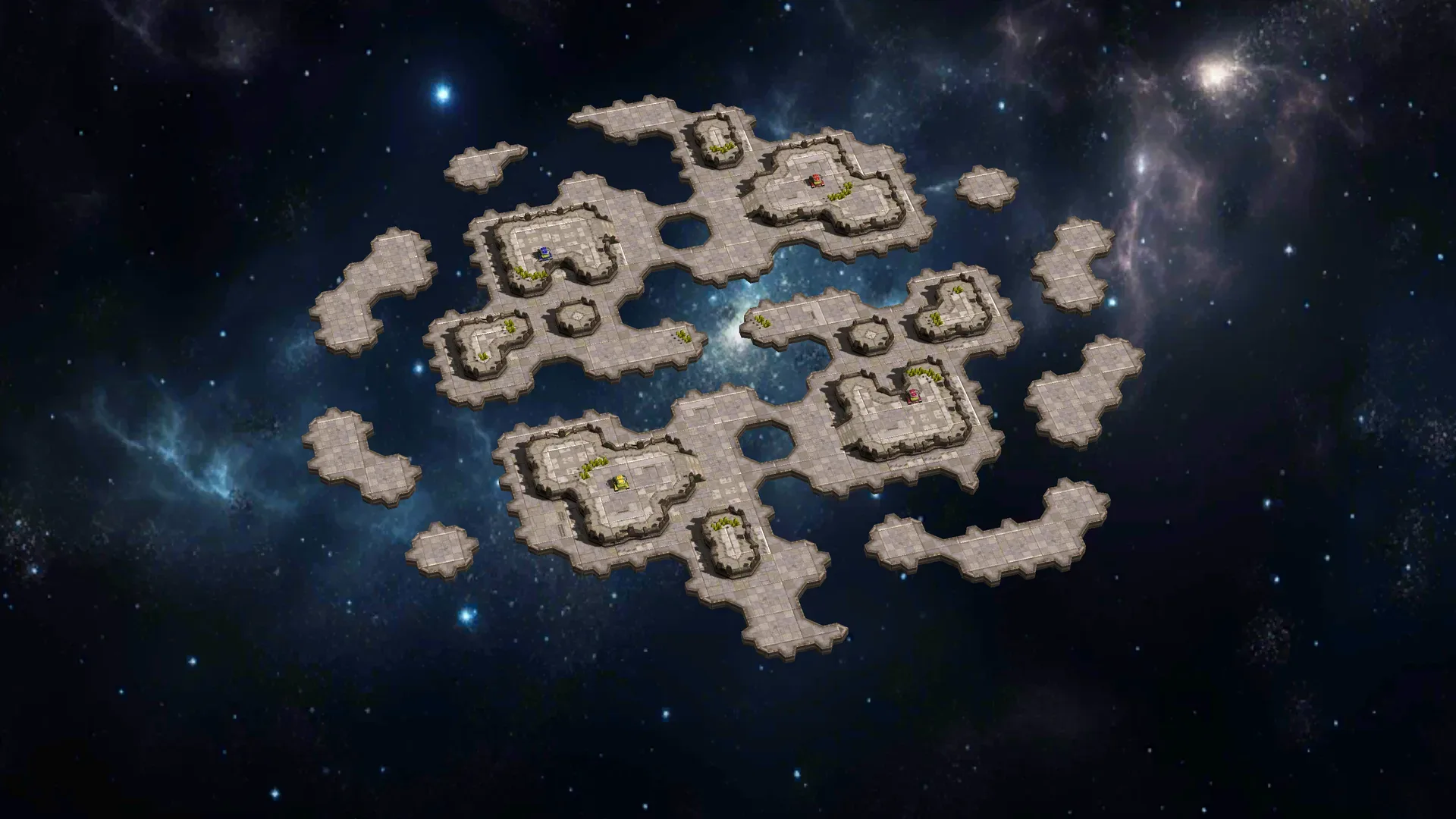
Honest War is a browser RTS with a built-in map editor: build a battlefield, tune the rules, publish your map and play it with a friend or against a bot. Free, no download — right in your browser.
PLAY IN YOUR BROWSER

 esports
RTS
esports
RTS no pay-to-win
edge
no pay-to-win
edge fast
battles
fast
battles map
editor
map
editor
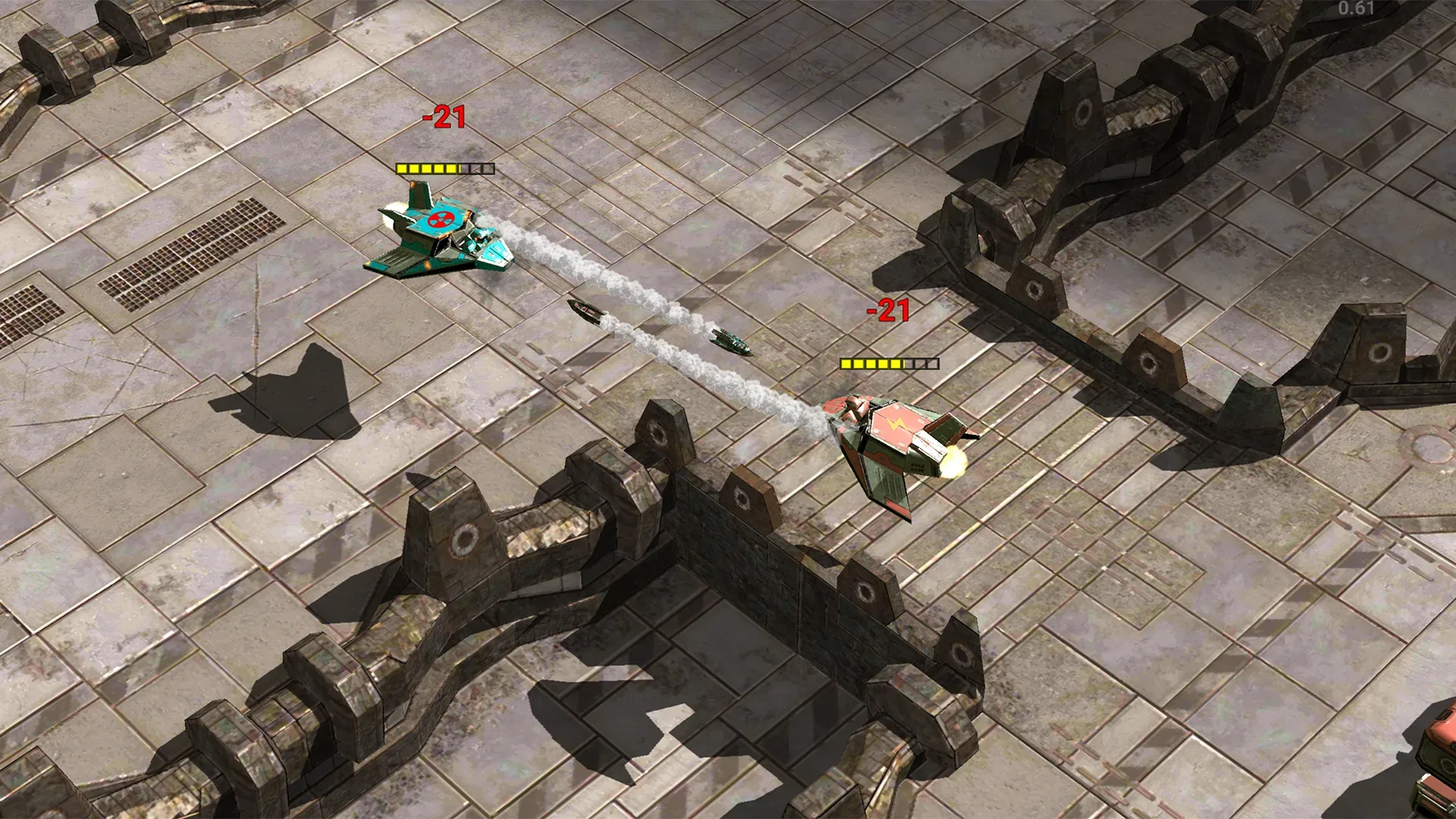
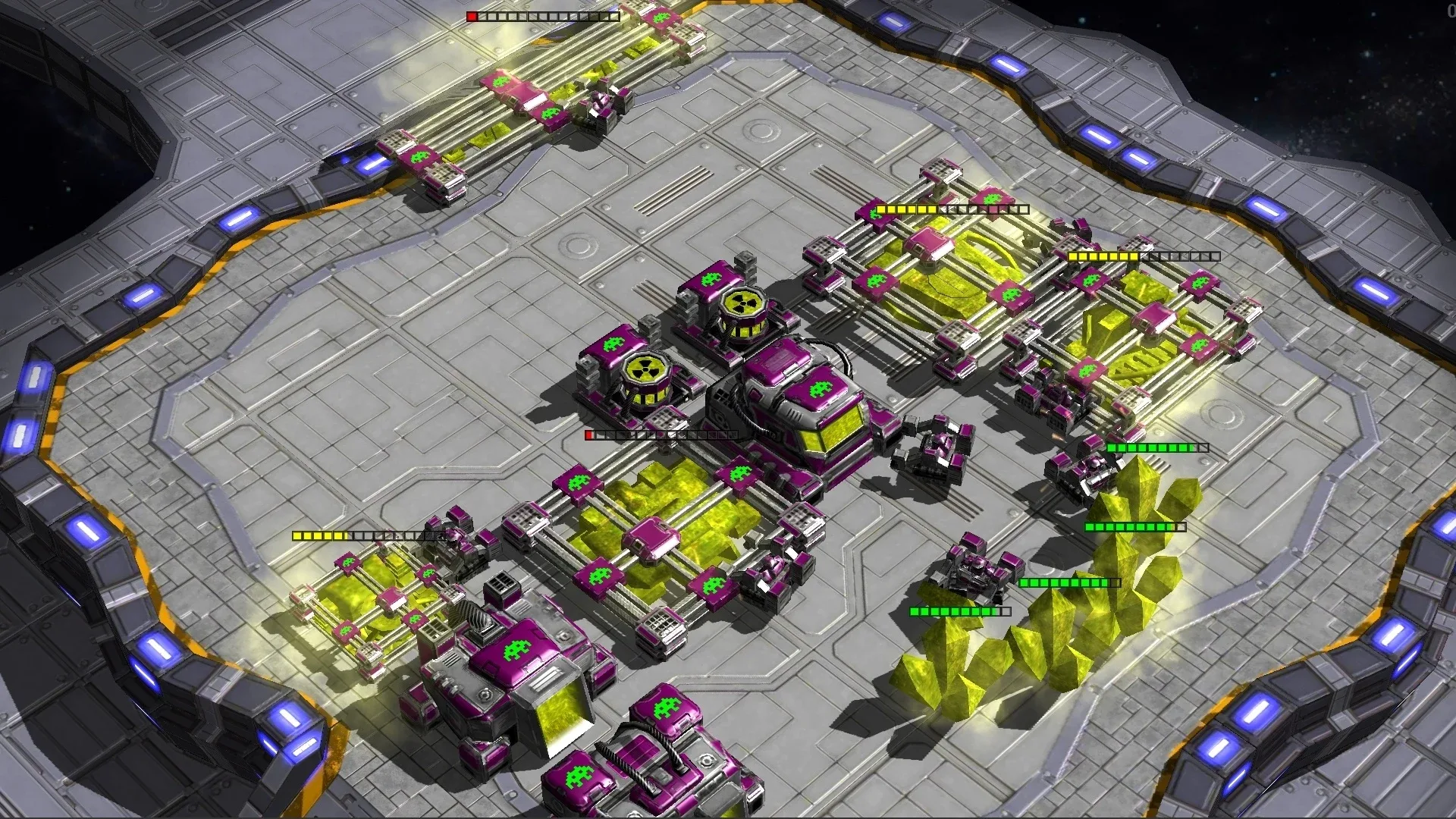
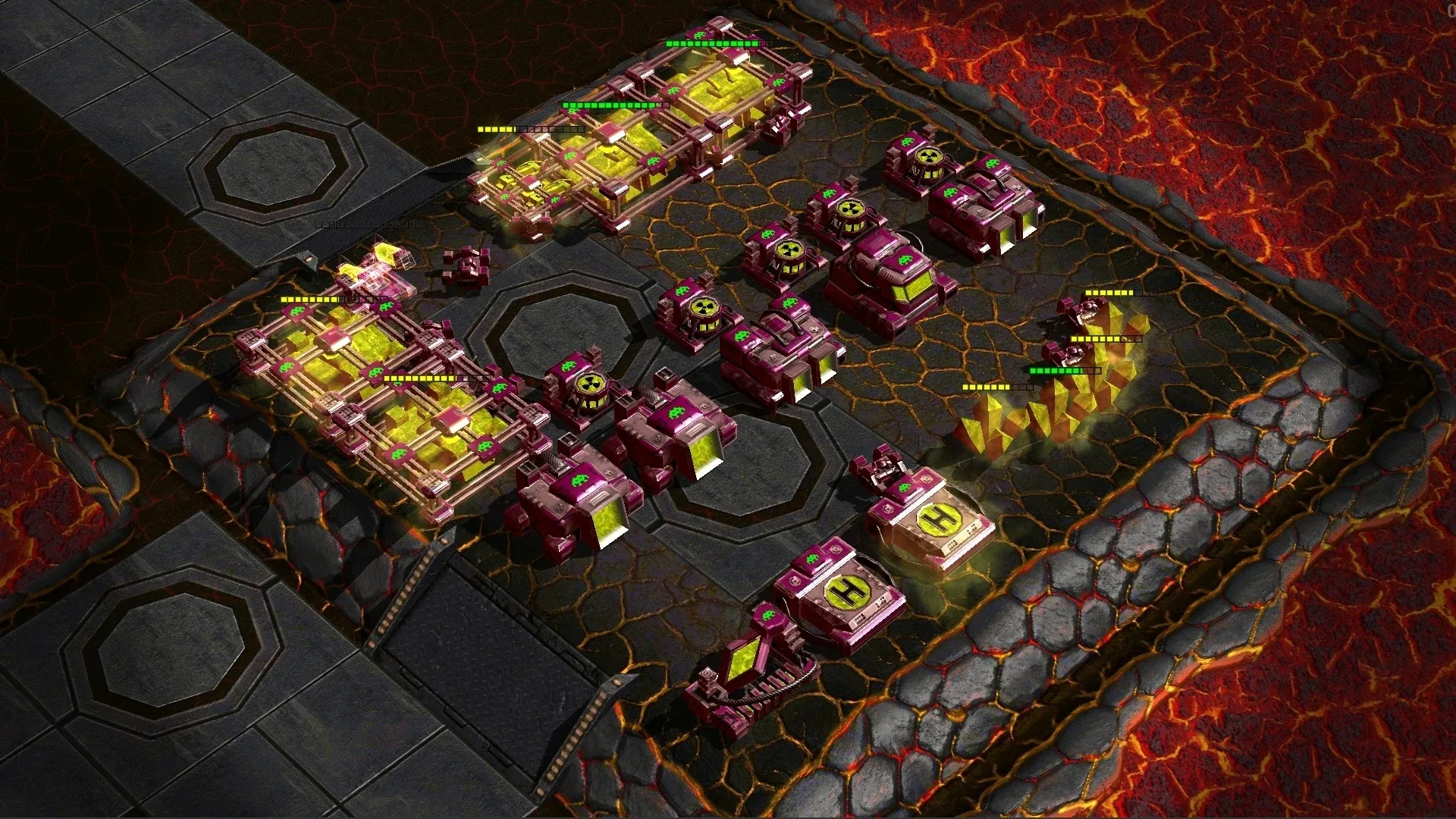
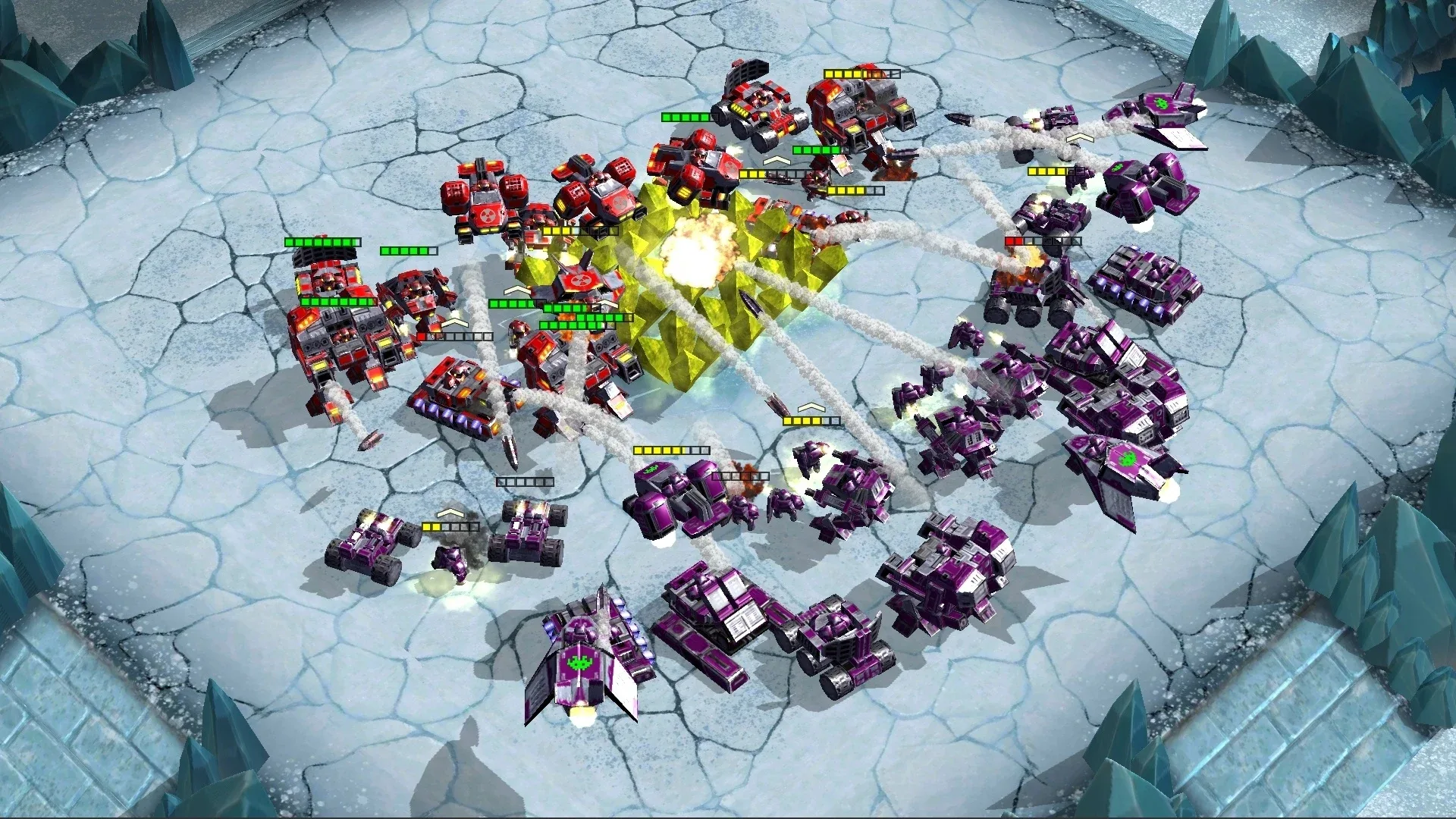
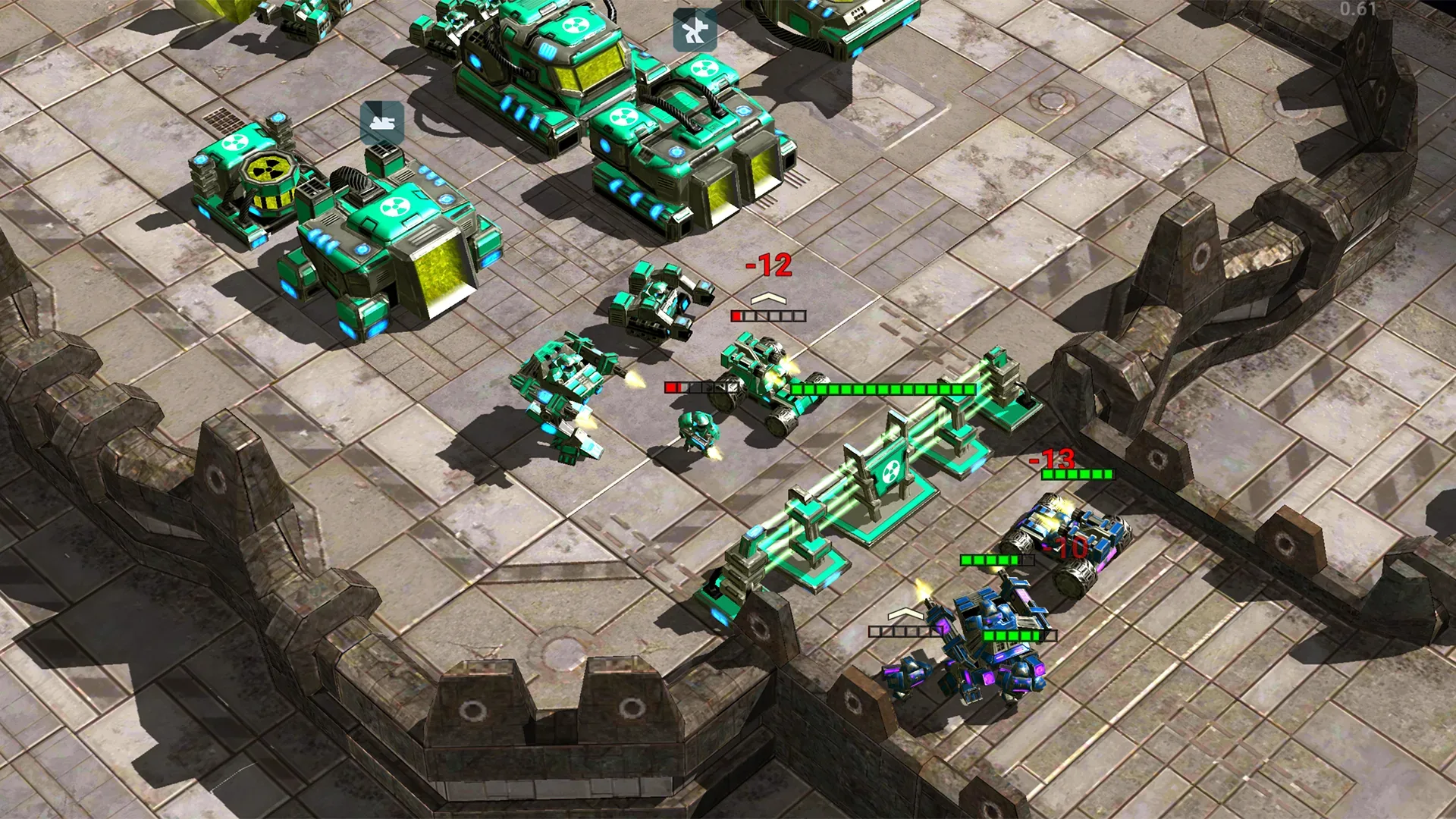
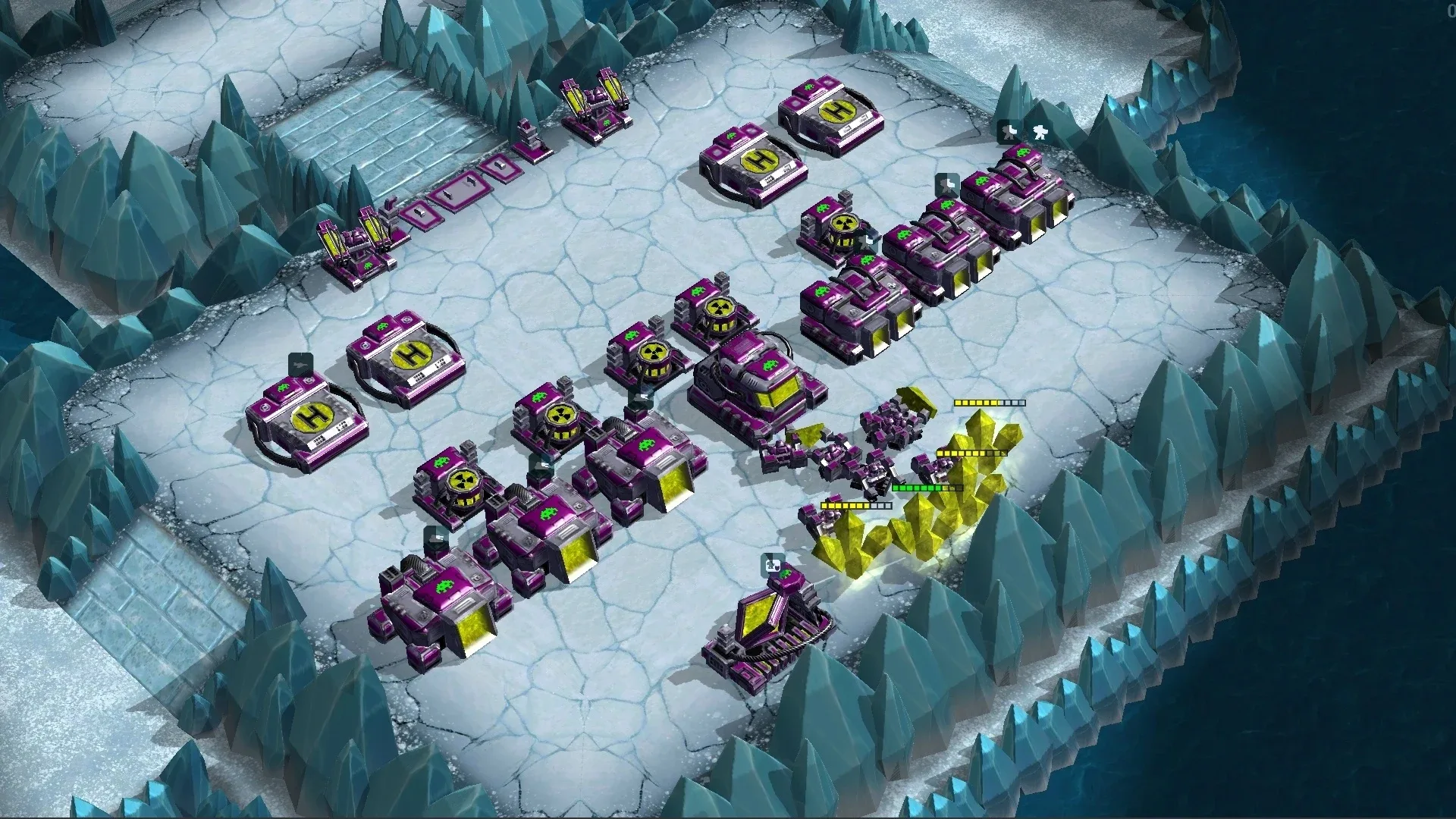
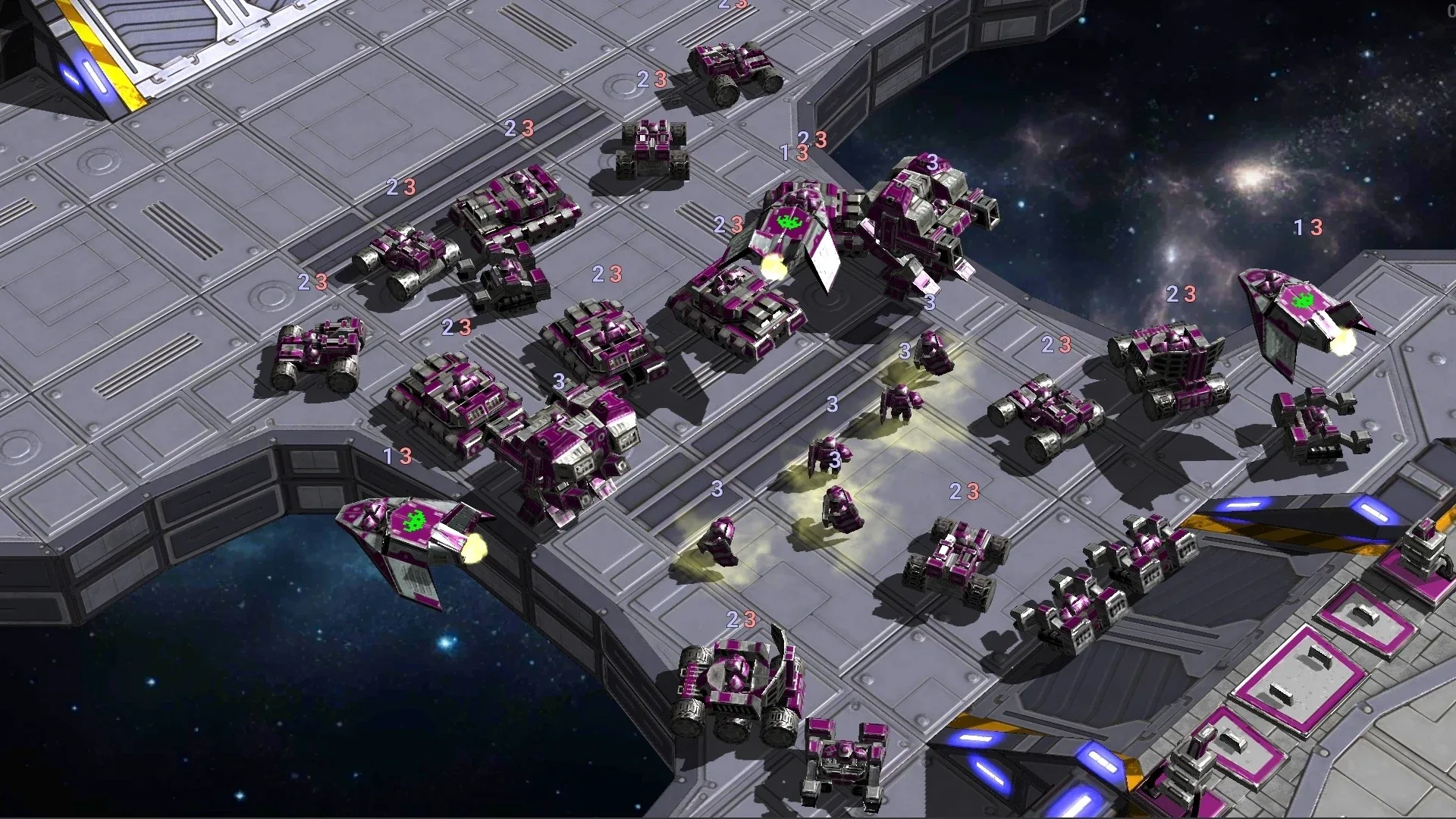
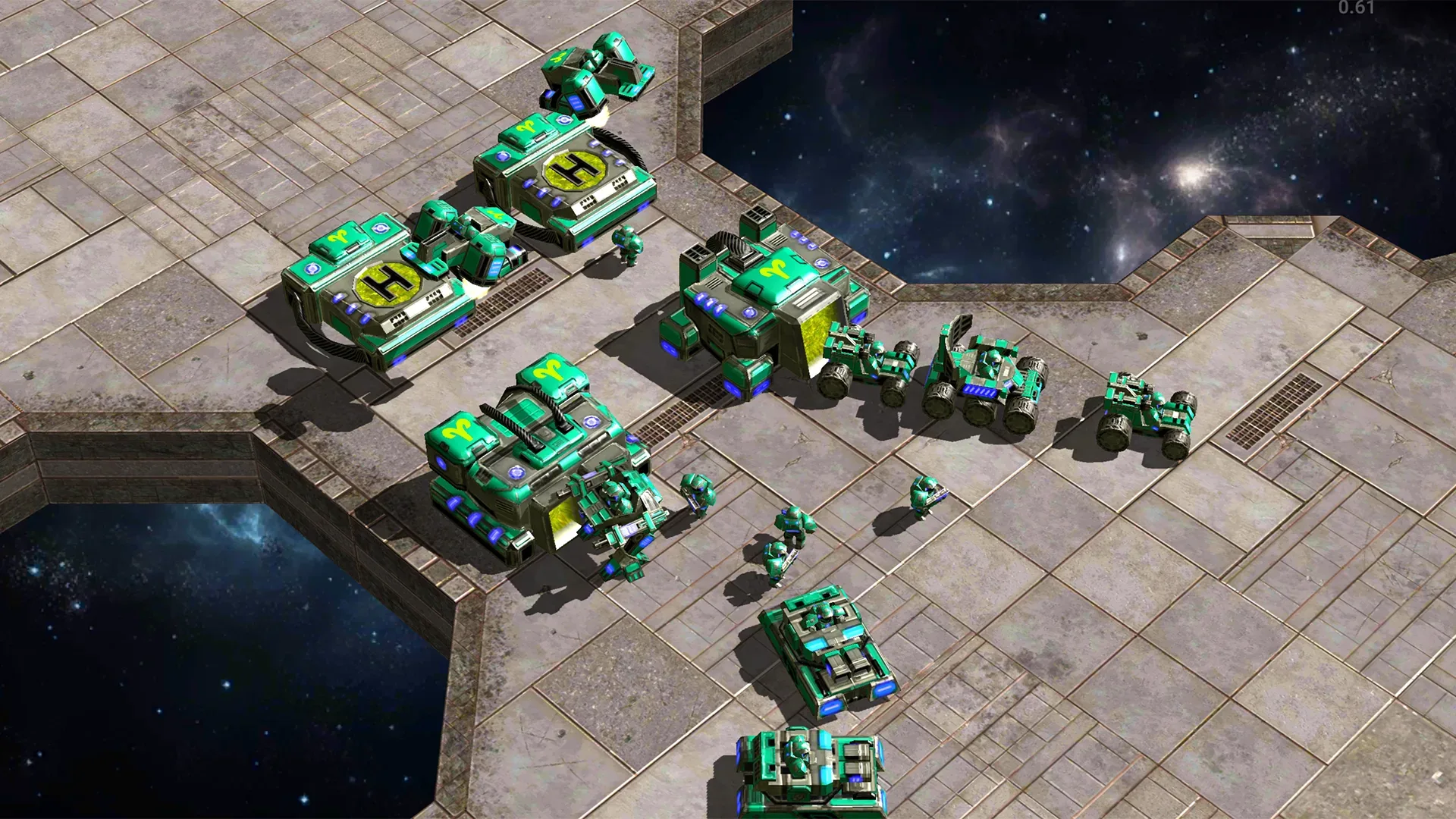
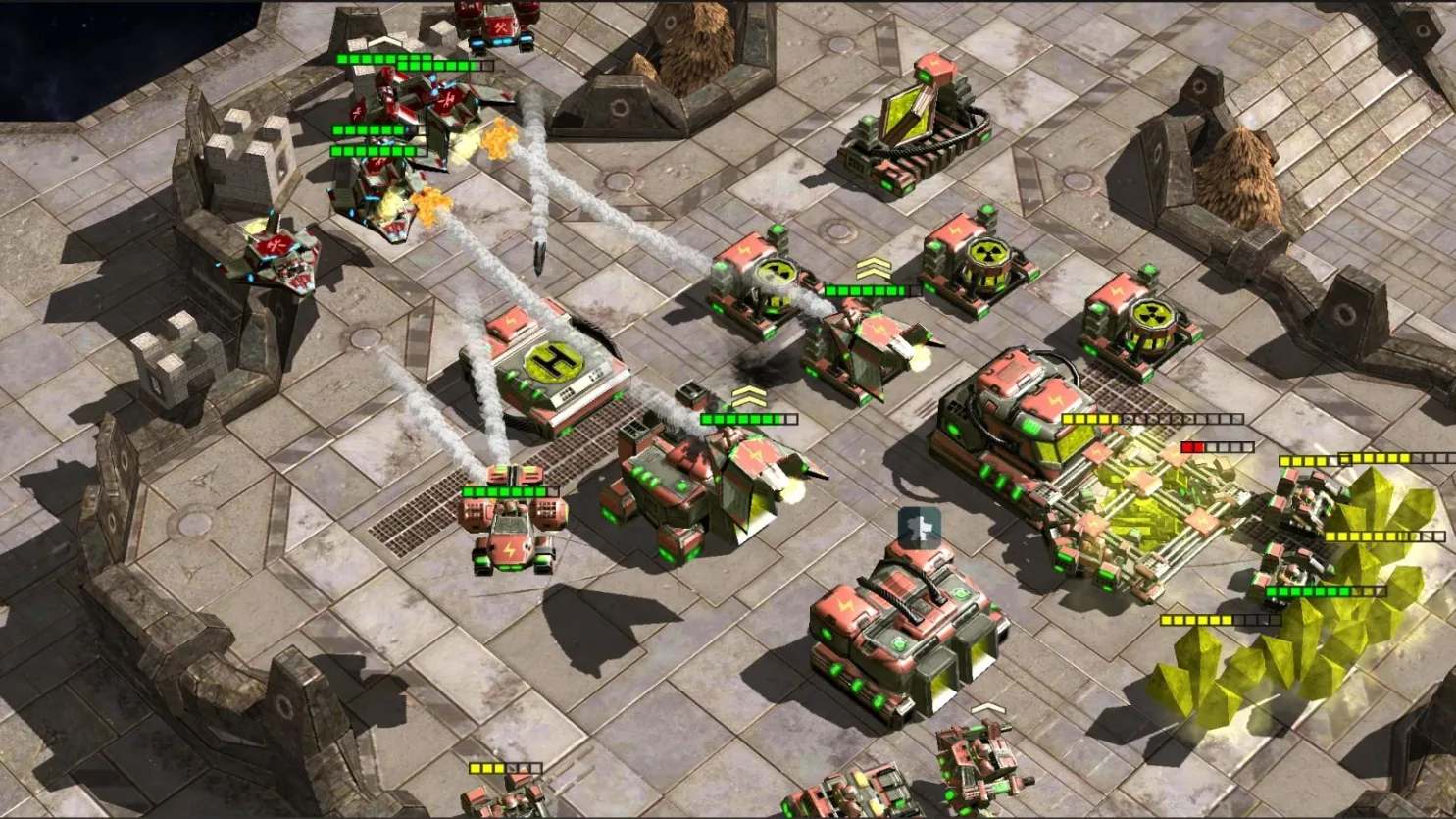
Where did map editors go?
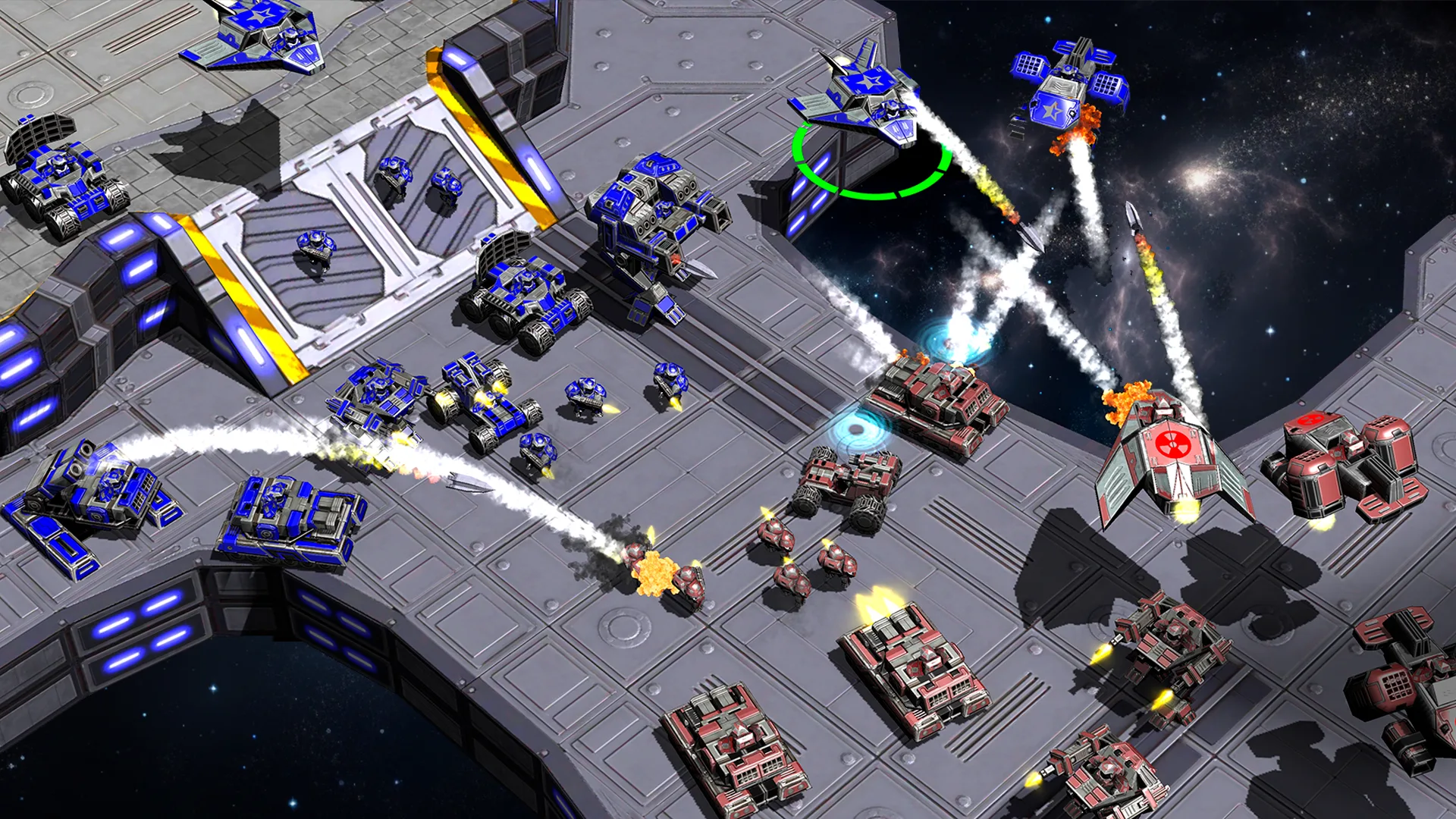
Map editors used to ship with almost every big strategy game, and custom maps outlived the games themselves. Modern strategies cut them out: play what you're given, and if a map bores you — tough luck. You want to build your own battlefields again — and actually play them right away, not just admire them.
The editor is part of the game, not a separate tool
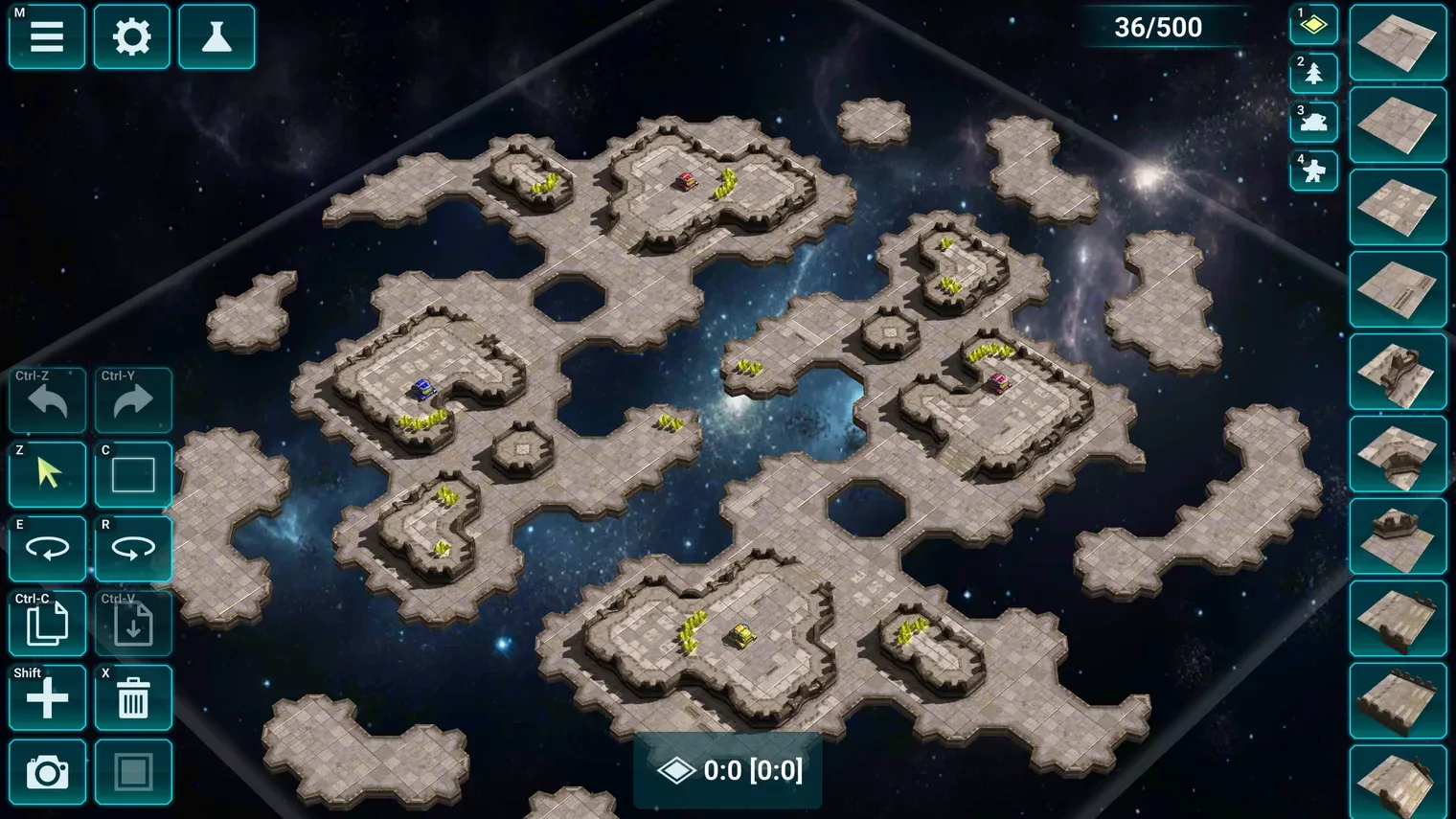
In Honest War the map editor is built right into the game and opens in your browser — no download, no install. Every battle here is fought on maps made by the players themselves: from bot matches to ranked duels. Open the editor, build a map and try it out without leaving the game.
Build your battlefield
All the tools are already in the game:
- Maps from 32×32 up to 256×256 cells and up to 16 starting bases — from 1v1 duels to 2v2 team battles.
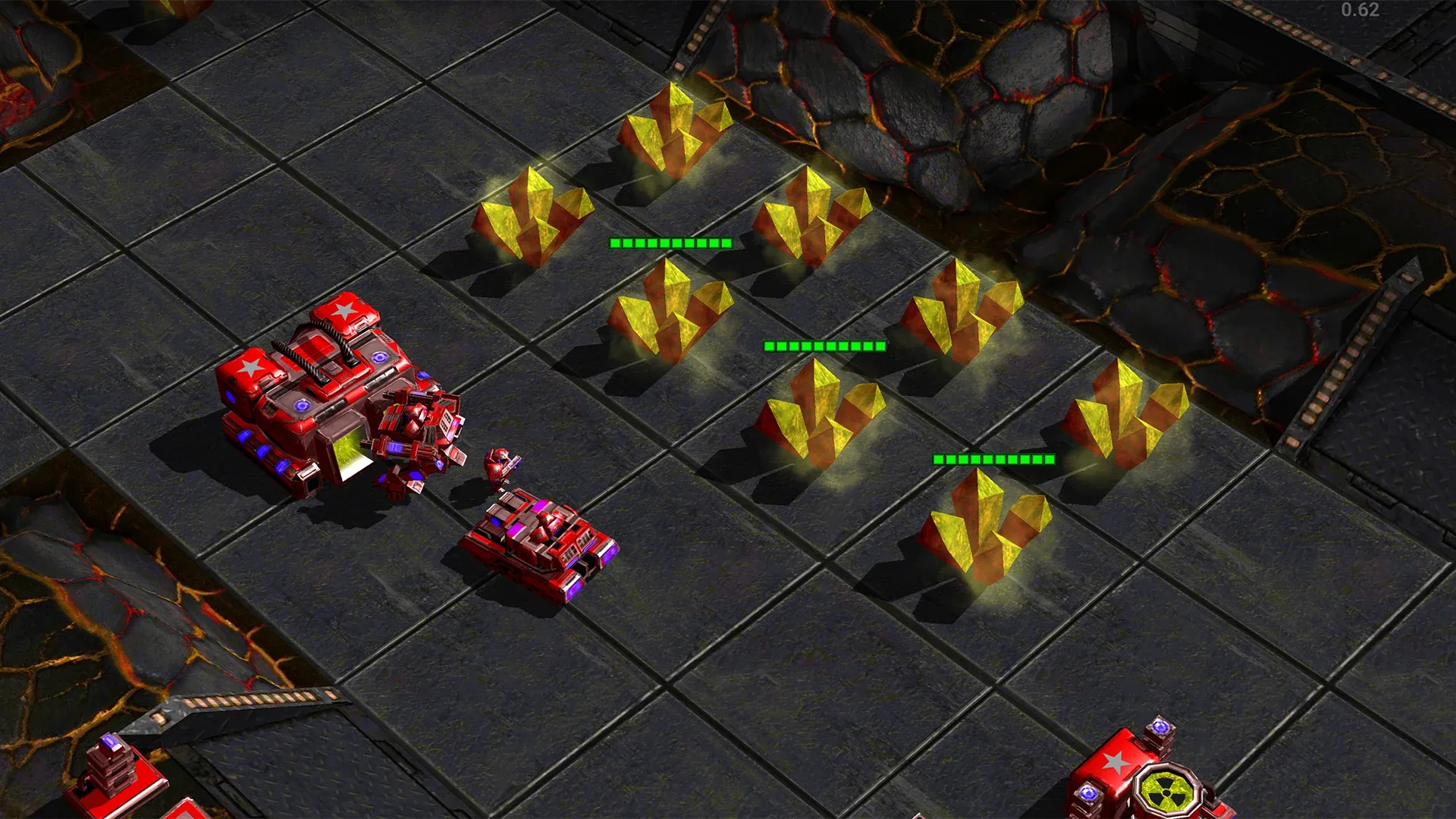
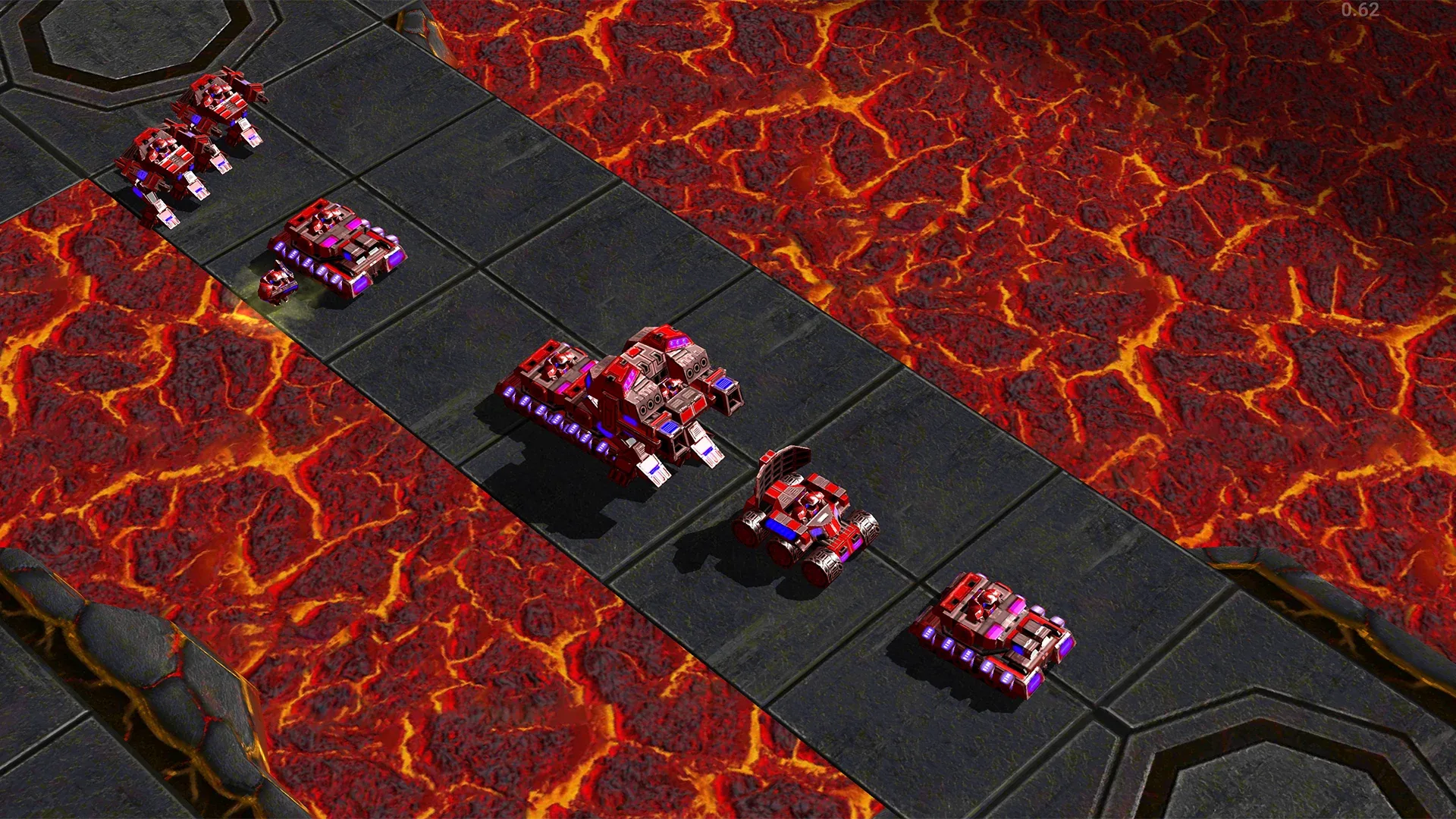
- Four terrains: steel, stone, lava, and ice.
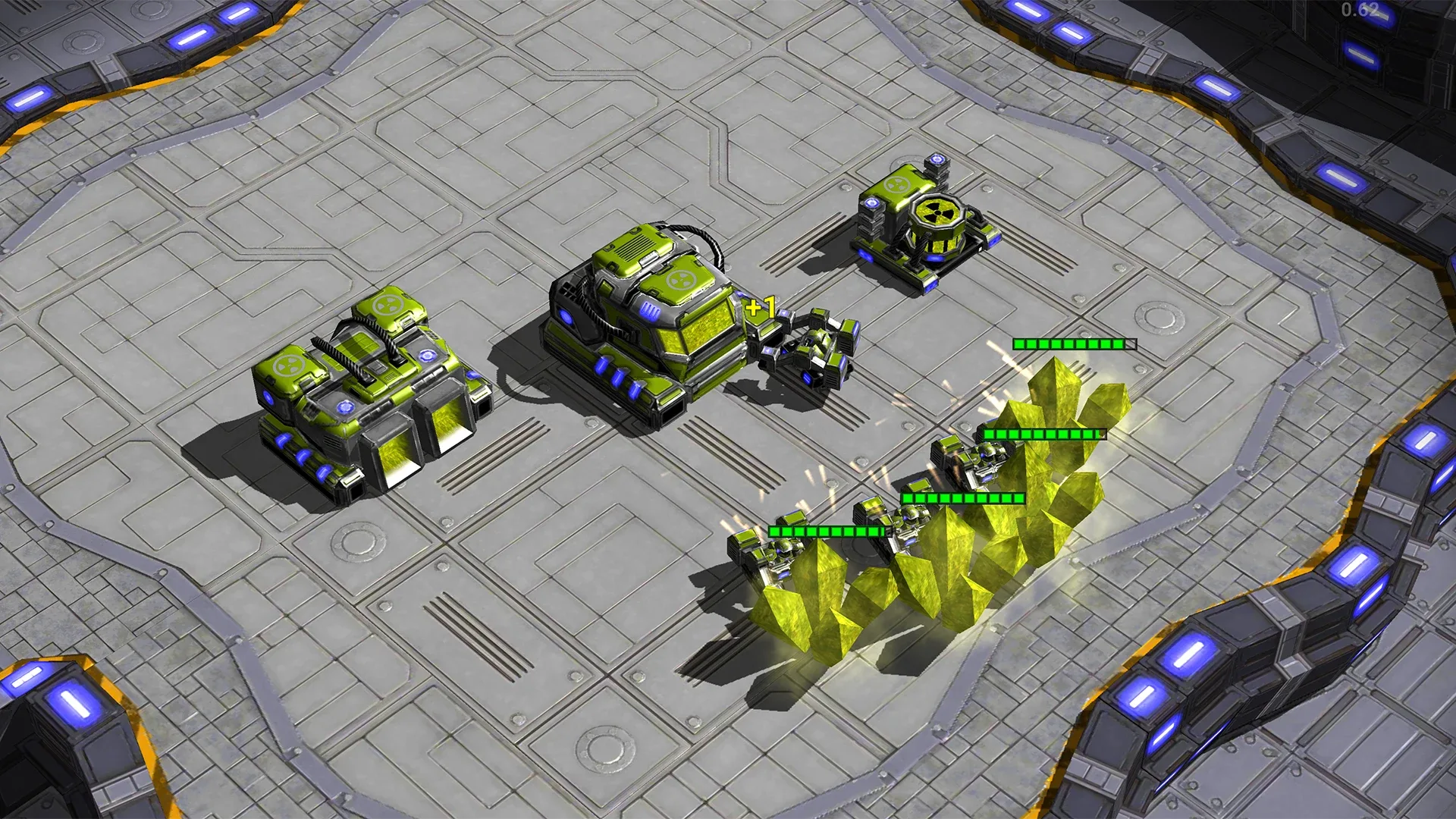
- Elevation and cover: high ground, cliffs, bridges, destructible obstacles, and ore deposits with an adjustable resource supply.
- Any starting setup you like: half-built buildings, veteran armies, neutral forces on the map.
- Like a professional editor: undo and redo, copy and paste of map areas, hotkeys.
Tune the rules and balance
A map is more than terrain. Every map can have its own rules:
- Stats: Stats: health, damage, speed, vision, prices, and limits of any unit or building.
- Tech tree: decide what can be built and in what order.
- Attack bonuses: who counters whom, tuned to your mode.
- Heroes: names and avatars, so you build a scenario, not just a map.
- Battle conditions: duration and every player's starting resources.
Test your map straight from the editor
One button and the map launches into a test battle against a bot: you instantly see the balance, timings, and chokepoints. Something's off — go back to the editor and fix it. Error highlighting shows impassable cells and misplaced objects.
Publishing and map ratings
A finished map can be published to the shared catalog. Players rate maps, add them to favorites, and every map shows its author and a battle counter. Like someone else's map — make a copy and rework it your way in the editor.
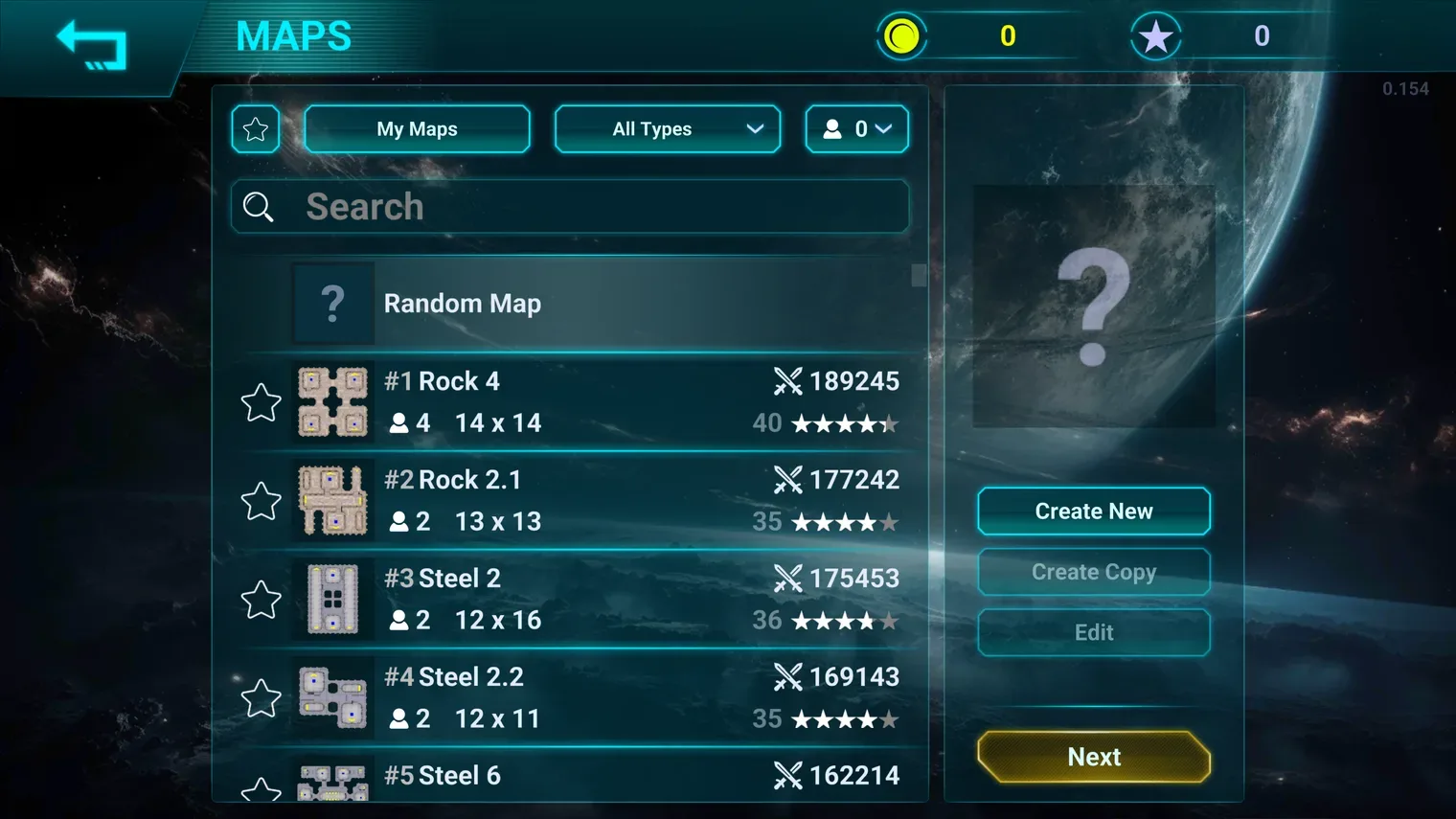
Made a map? Call a friend
You can play your own maps with friends: publish a map, send a friend a battle invite — and find out who is stronger on a battlefield you designed yourself.
An online map editor — even on your phone
The editor, like the whole game, runs in the browser: on an old laptop, an office computer, or a budget smartphone. The controls work with a mouse and hotkeys — and with a finger on a touchscreen, so you can build a map on the way home.
How to make your own map
- Open honestwar.com in your browser and do the short tutorial — nothing to download.
- Go to the maps section and hit Create — or open a community map you like and make a copy.
- Build the battlefield, test it in a practice battle, and publish it — now everyone can play your map.

FAQ about the map editor
Is the map editor free?
Yes. Every player can create, save, and test maps in practice battles for free.
Can I play my own map with a friend?
Yes: publish the map and invite a friend to battle on it. Phone versus computer makes no difference — it is the same map for everyone.
Do I need to download the editor?
No. The editor is part of the game and runs in the browser, just like the game itself. No separate programs, no install.
Will other players see my map?
Yes, once published the map appears in the shared catalog: it can be found by name or author, rated with stars, and added to favorites.
How deep does map customization go?
Down to the numbers: unit health and damage, prices, the tech tree, and bonuses against specific troop types are set per map.
Read also

YOUR MAP AWAITS ITS BATTLE
Build the battlefield you've always wanted and see it in action — right in your browser.
PLAY IN YOUR BROWSER
Join us!